
Version: 1.8.8
Developer: DVloper
 Verified App
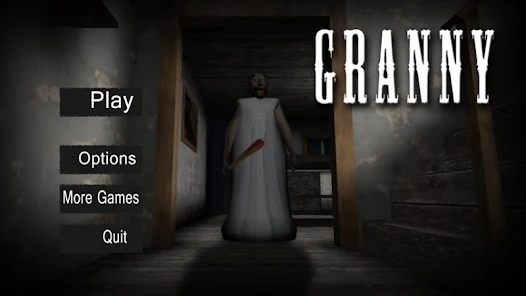

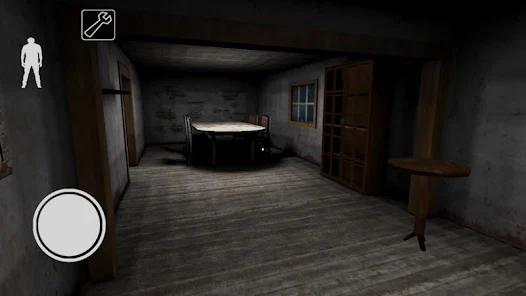
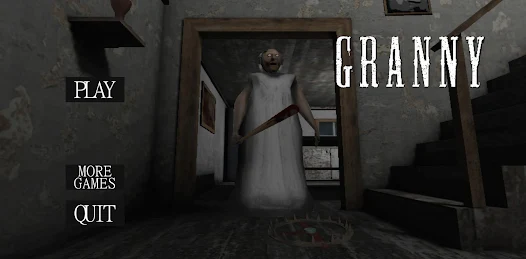
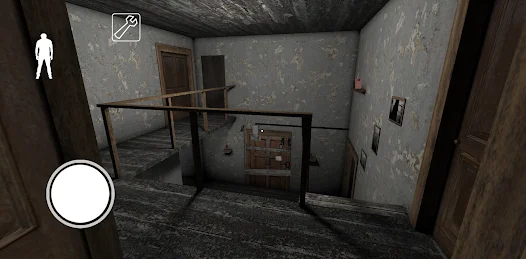
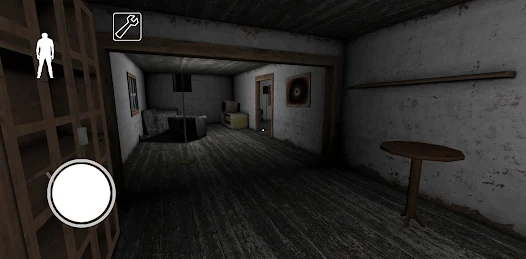
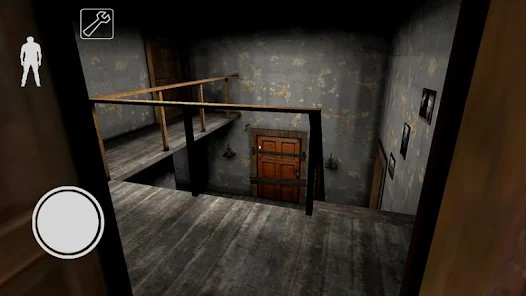

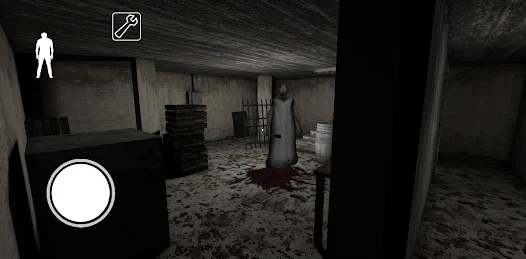
"Granny" is a horror-themed mobile game that immerses players in a suspenseful environment. One of its standout features is the realistic sound design, which enhances the eerie atmosphere and keeps players on edge. The game employs a first-person perspective, allowing for an immersive experience as players navigate through a creepy house filled with traps and surprises. Players must solve puzzles and find items to escape while avoiding the titular Granny, who is always on the lookout for intruders.
Another notable feature is the AI-driven behavior of Granny, which adapts to the player's actions, making each playthrough unique and challenging. The game also includes various difficulty levels, catering to both casual players and those seeking a more intense experience. Additionally, "Granny" offers a simple yet effective control scheme, making it accessible for players of all ages. The graphics, while not overly complex, effectively contribute to the game's unsettling ambiance, drawing players into its chilling narrative.
To start playing "Granny," first download the game from your preferred app store and install it on your device. Once installed, launch the game and familiarize yourself with the controls, which typically include movement, interaction, and item management. The objective is to escape from Granny's house within five days, but players must do so quietly to avoid detection. Begin by exploring the house, searching for keys, tools, and other items that will aid in your escape.
As you navigate through the rooms, be mindful of the sounds you make, as Granny can hear you and will come to investigate. Use stealth to your advantage, hiding in closets or under beds when necessary. Solving puzzles is crucial, as they often unlock new areas or provide essential items. Keep track of your progress and remember that each playthrough can differ due to Granny's unpredictable behavior. With practice, players can develop strategies to outsmart Granny and successfully escape her clutches.
Like any game, "Granny" has its advantages and disadvantages. One of the primary pros is its engaging gameplay, which combines elements of horror and puzzle-solving, keeping players entertained and on their toes. The adaptive AI of Granny adds a layer of unpredictability, ensuring that no two games are the same. Additionally, the game's simple controls make it accessible to a wide audience, from casual gamers to horror enthusiasts. The immersive sound design and graphics contribute to a chilling atmosphere that enhances the overall experience.
On the downside, some players may find the game's difficulty level frustrating, especially if they are not accustomed to stealth-based gameplay. The repetitive nature of the objectives can also lead to monotony over time. Furthermore, while the graphics are effective for the horror theme, they may not appeal to those seeking high-end visuals. Lastly, the game may not offer extensive replay value for players who complete it multiple times. Balancing these pros and cons can help potential players decide if "Granny" is the right fit for their gaming preferences.

 Granny offers personalized care tailored to individual needs and preferences. Enjoy a warm, nurturing environment that fosters emotional well-being. Access to experienced caregivers ensures safety and reliability at all times. Engaging activities promote mental stimulation and enhance quality of life. Flexible scheduling accommodates family commitments and personal routines.
 Granny can be overly protective, limiting personal freedom and independence. She may struggle with adapting to modern technology, causing frustration. Her traditional views can sometimes clash with contemporary values and lifestyles.
 Yes, Granny encourages users to submit suggestions or feedback through the app's feedback feature or by contacting customer support directly.
Yes, Granny collects personal data to create user profiles, improve service quality, and ensure safety and security for both caregivers and users.
No, Granny requires an internet connection to function properly as it relies on real-time data and communication between users and caregivers.
Users can cancel their Granny subscription directly through the app settings or by contacting customer support for assistance with the cancellation process.
The subscription cost for Granny varies based on the selected plan, with options for monthly, quarterly, or annual billing. Users can check the app for the latest pricing details.
Yes, you can activate your account using your email address. If you need help, contact customer service.
Customer numbers cannot be changed. If you have issues, please contact customer service for further assistance.
You can reach our customer service by calling the support number listed on our website or using the chat feature in your account.
To activate your account, click the activation link sent to your email after registration. If you didn’t receive it, check your spam folder or reach out to customer service.
If you’ve forgotten your password, click the "Forgot Password?" link on the login page and follow the instructions to reset it.

















 Google Play
  App Store