Version: 6.5
Developer: Csmartworld
 Verified App
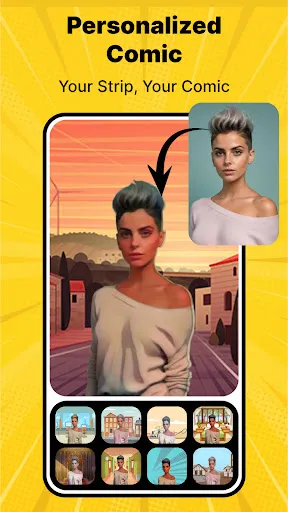
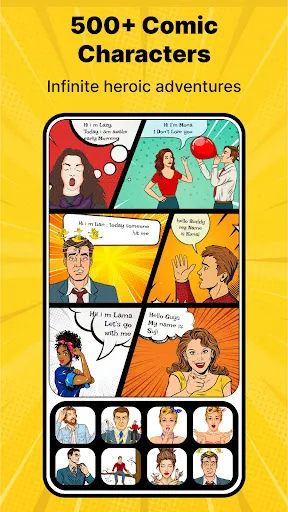
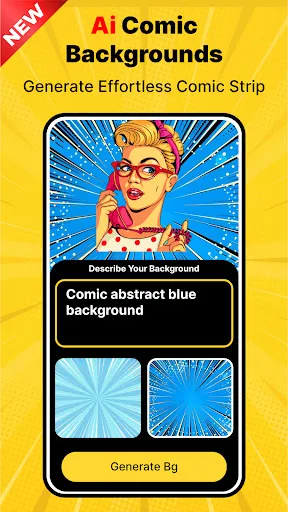
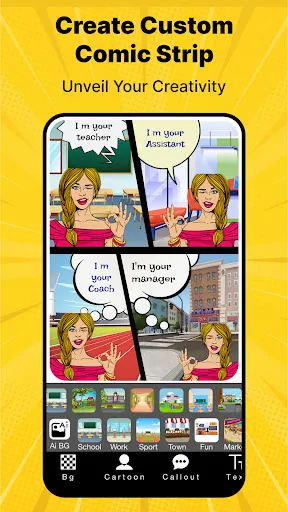
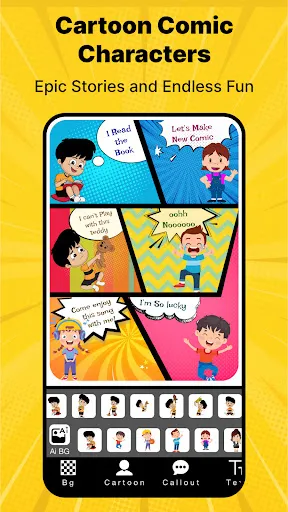
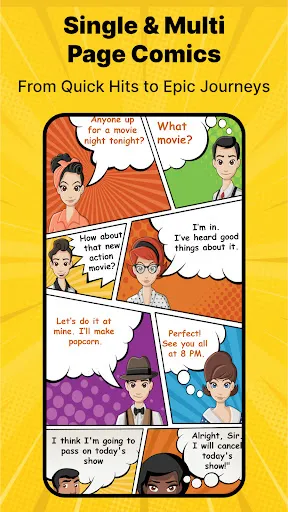

The "Cartoon Comic Strip Maker" is a versatile tool designed for both amateur and professional comic creators. One of its standout features is the user-friendly interface, which allows users to easily navigate through various options without any prior experience. The app offers a wide range of customizable templates, enabling users to create unique comic strips tailored to their specific themes and characters.
Additionally, the app includes a vast library of characters, backgrounds, and props, providing users with ample resources to bring their stories to life. Users can also add speech bubbles and captions, enhancing the storytelling aspect of their comics. The drag-and-drop functionality simplifies the process of arranging elements within the comic strip, making it accessible for all ages. Furthermore, the app supports sharing options, allowing creators to easily publish their work on social media platforms or save it for personal use.
Using the "Cartoon Comic Strip Maker" is a straightforward process that encourages creativity. To get started, users should first download and install the app on their device. Once opened, they can choose from a variety of templates or start with a blank canvas. The intuitive interface guides users through the creation process, allowing them to select characters, backgrounds, and props from the extensive library.
After selecting the desired elements, users can drag and drop them onto the canvas, adjusting their size and position as needed. Adding dialogue is simple; users can insert speech bubbles and type in their text. Once the comic strip is complete, creators can preview their work and make any necessary adjustments. Finally, the app provides options for saving or sharing the finished comic, making it easy to showcase their creativity to friends and family.
The "Cartoon Comic Strip Maker" comes with several advantages that make it appealing to users. One of the primary pros is its ease of use, which allows individuals of all skill levels to create engaging comic strips without a steep learning curve. The extensive library of characters and backgrounds provides a wealth of creative options, ensuring that users can find the perfect elements for their stories. Additionally, the ability to share comics directly from the app enhances its functionality, making it convenient for users to showcase their work.
However, there are some drawbacks to consider. Some users may find the selection of characters and props limited compared to more advanced graphic design software. Additionally, while the app is user-friendly, it may lack some advanced features that professional comic artists might seek, such as detailed editing tools or the ability to create animations. Overall, while the "Cartoon Comic Strip Maker" is an excellent tool for casual users, those looking for more sophisticated capabilities may need to explore other options.
``` Google Play
  App Store
 Spotify Wrapped is an annual feature that summarizes your listening habits, including your most-played songs and artists of the year.
To create a playlist, click "Your Library," then "Playlists," and select "Create Playlist." Add songs by searching or browsing.
Yes, with a Spotify Premium subscription, you can download songs and playlists for offline listening.
Spotify offers a free tier with ads, as well as a Premium subscription that removes ads and adds features.
Click the three dots next to the song, select "Share," and choose your preferred sharing method, like social media or a link.