Version: 25.0424.00
Developer: Puzzle1Studio
 Verified App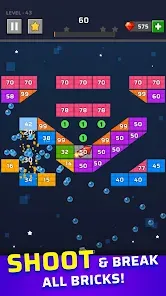

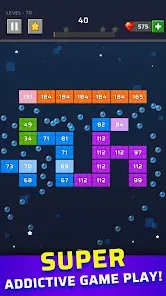

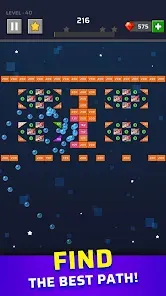
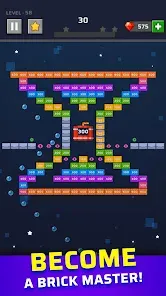
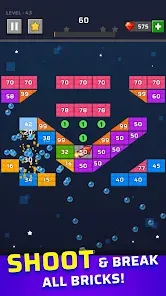



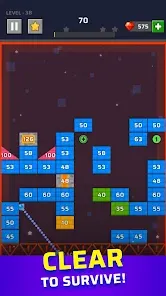
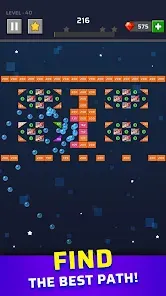
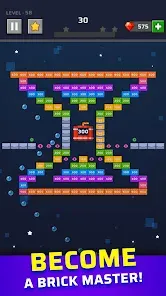
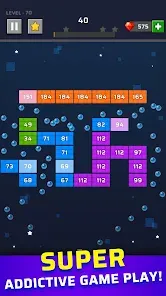


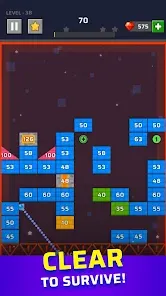
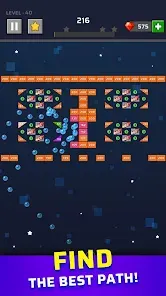
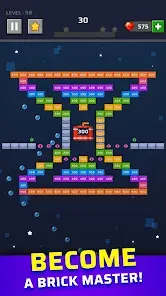
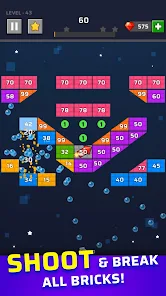

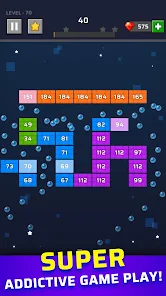
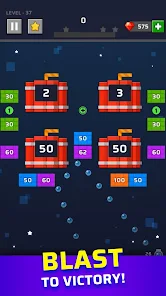
"Brick Out - Shoot the Ball" is an engaging arcade game that combines classic brick-breaking mechanics with modern gameplay elements. One of its standout features is the variety of levels, each designed with unique layouts and challenges that keep players entertained. The game also includes power-ups that enhance gameplay, such as multi-ball, laser shots, and explosive balls, which add an exciting twist to the traditional format.
Additionally, the game boasts vibrant graphics and smooth animations, creating an immersive experience for players. The intuitive controls allow for easy navigation, making it accessible for players of all ages. Players can also enjoy a leaderboard system that encourages competition among friends and global players, adding a social aspect to the game. Regular updates introduce new levels and features, ensuring that the gameplay remains fresh and engaging over time.
Using "Brick Out - Shoot the Ball" is straightforward and user-friendly, making it easy for anyone to jump right in. To start, players simply need to download the app from their preferred app store and install it on their device. Once launched, players can select the 'Play' option to begin their brick-breaking adventure. The objective is to use a paddle to bounce a ball and break all the bricks on the screen.
Players can control the paddle by swiping left or right on the screen, allowing for precise movements to hit the ball at the right angle. As players progress through levels, they can collect power-ups that appear, which can significantly enhance their gameplay. It's essential to strategize the use of these power-ups to maximize their effectiveness. The game also features a pause option, allowing players to take breaks as needed. Overall, the simple mechanics and engaging gameplay make it easy for anyone to enjoy "Brick Out - Shoot the Ball."
Like any app, "Brick Out - Shoot the Ball" has its advantages and disadvantages. One of the primary pros is its addictive gameplay, which keeps players engaged for hours. The variety of levels and power-ups adds depth to the game, making it more than just a simple brick-breaker. The graphics are visually appealing, and the smooth controls enhance the overall experience. Additionally, the competitive leaderboard encourages players to improve their skills and strive for higher scores.
On the downside, some users may find the in-app purchases necessary to progress through the game, which can be frustrating for those who prefer a completely free experience. Additionally, while the game is designed to be fun, it may become repetitive over time for some players. The ads that appear between levels can also disrupt the flow of gameplay. Overall, while "Brick Out - Shoot the Ball" offers an enjoyable experience, potential players should weigh these pros and cons before diving in.
 Google Play
  App Store
 Spotify Wrapped is an annual feature that summarizes your listening habits, including your most-played songs and artists of the year.
To create a playlist, click "Your Library," then "Playlists," and select "Create Playlist." Add songs by searching or browsing.
Yes, with a Spotify Premium subscription, you can download songs and playlists for offline listening.
Spotify offers a free tier with ads, as well as a Premium subscription that removes ads and adds features.
Click the three dots next to the song, select "Share," and choose your preferred sharing method, like social media or a link.