Version: 45611
Developer: RV AppStudios
 Verified App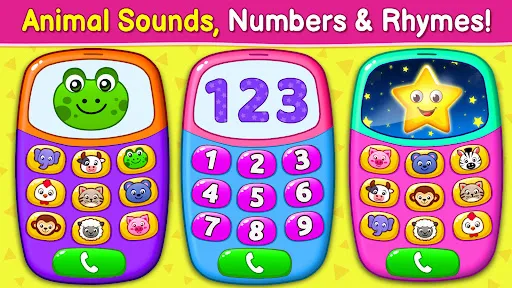
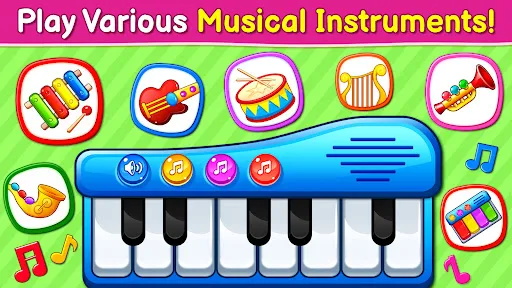
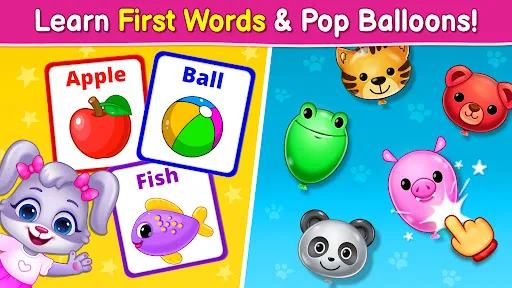
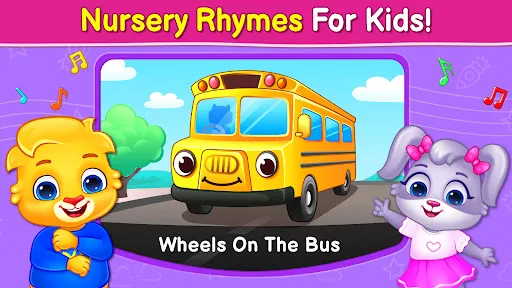
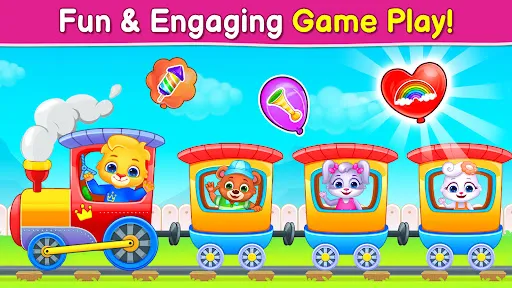
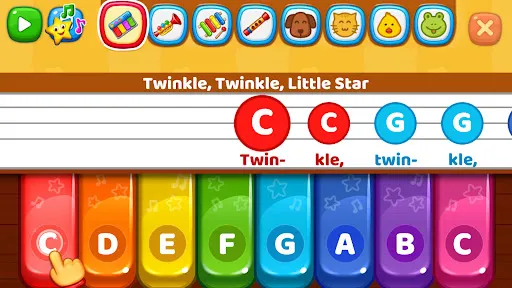
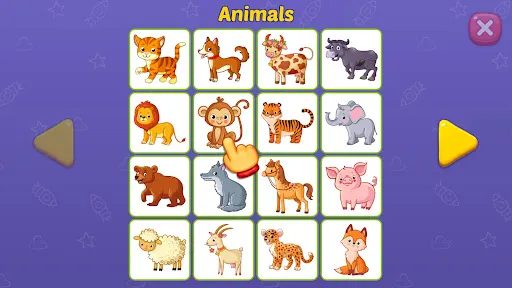
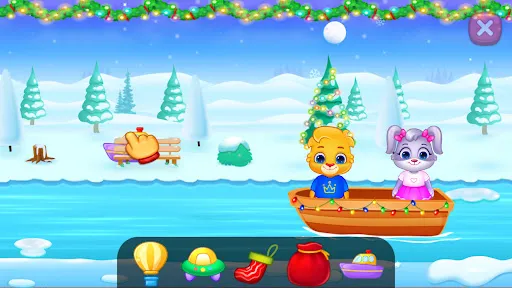
"Baby Games: Piano & Baby Phone" is an engaging application designed specifically for young children, offering a variety of interactive features that promote learning and entertainment. One of the standout features is the piano section, where toddlers can explore different musical notes and sounds by tapping on colorful keys. This not only introduces them to music but also enhances their motor skills and hand-eye coordination.
Additionally, the baby phone feature allows children to simulate phone calls, encouraging imaginative play. Kids can choose from various fun sounds and animations that mimic real-life phone interactions, fostering creativity and social skills. The app also includes vibrant graphics and cheerful animations that capture the attention of young users, making learning enjoyable. Furthermore, it is designed with a user-friendly interface, ensuring that even the youngest children can navigate the app with ease. Overall, "Baby Games: Piano & Baby Phone" combines fun and education, making it a valuable tool for early childhood development.
Using "Baby Games: Piano & Baby Phone" is straightforward and intuitive, making it accessible for both children and parents. To get started, simply download the app from your device's app store and install it. Once opened, you will be greeted with a colorful and engaging interface that invites exploration. Parents can guide their children through the initial setup, helping them understand the different features available.
To use the piano feature, children can tap on the piano keys displayed on the screen, producing various musical notes. Encourage them to experiment with different combinations to create their own melodies. For the baby phone section, kids can select a character to call, which will trigger fun sounds and animations. Parents can join in the fun by pretending to have conversations, enhancing the interactive experience. Overall, the app is designed to be self-explanatory, allowing children to play independently while also providing opportunities for parental involvement.
Like any application, "Baby Games: Piano & Baby Phone" has its advantages and disadvantages. One of the primary pros is its educational value; the app promotes musical exploration and imaginative play, which are essential for early childhood development. The vibrant graphics and engaging sounds capture children's attention, making learning enjoyable. Additionally, the user-friendly interface allows even the youngest users to navigate the app with ease, fostering independence.
On the downside, some parents may find that the app lacks depth in terms of educational content. While it introduces basic musical concepts, it may not provide a comprehensive learning experience. Furthermore, the app's reliance on screen time could be a concern for parents who prefer limiting their children's exposure to devices. Lastly, some features may require in-app purchases, which could be a drawback for families on a budget. Overall, while "Baby Games: Piano & Baby Phone" offers fun and engaging content, parents should consider these pros and cons when deciding if it’s the right fit for their child.

 Encourages early musical exploration and creativity in young children. Promotes cognitive development through engaging sound and visual interactions. Enhances fine motor skills with touch-responsive features and buttons. Offers a safe and entertaining environment for toddlers to play. Stimulates auditory learning with various musical tones and rhythms.
 Limited educational value for developing skills Graphics may not engage young children effectively Repetitive gameplay can lead to boredom quickly
  Google Play
  App Store
 Yes, users can submit suggestions or feedback through the app's support feature or by contacting customer service via the official website.
The app adheres to privacy policies and does not collect personal data from users, ensuring a safe environment for children.
Yes, Baby Games: Piano & Baby Phone can be used offline, allowing children to enjoy the games without needing a constant internet connection.
Subscriptions can be canceled through the app store settings on your device, following the standard procedure for managing subscriptions.
The subscription cost varies based on the chosen plan, with options for monthly or yearly subscriptions available at competitive rates.
Unfortunately, customer numbers cannot be changed. If you have issues related to your account, please reach out to customer service for further assistance.
Yes, you can log in to your account from any device using your customer number and password.
You can reach customer service by emailing support
To activate your account, follow the activation link sent to your email after registration. If you didn't receive it, check your spam folder or contact customer service.
You can contact customer service via the app or send an email to support