Version: 2.5.29
Developer: Malpa Games
 Verified App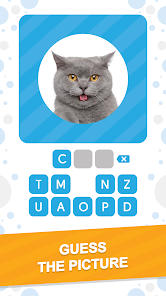
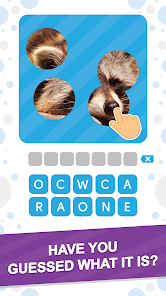
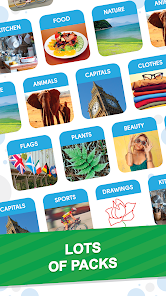

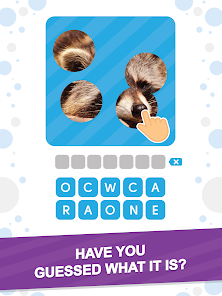
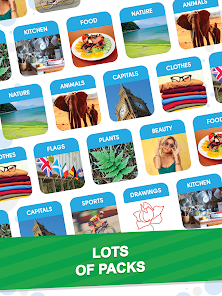
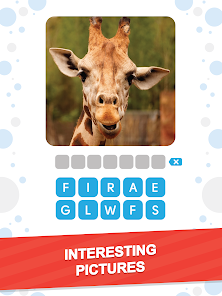

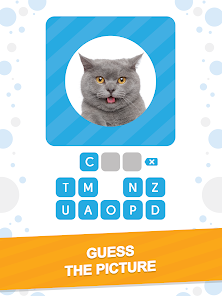
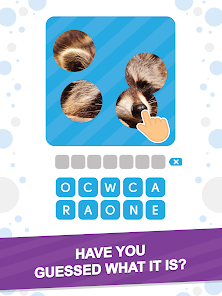
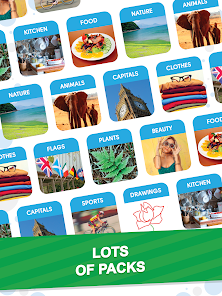
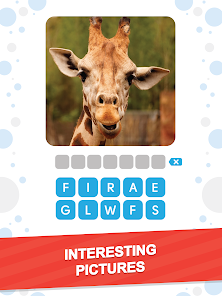

"101 Pics: Photo Quiz" is an engaging trivia game that challenges players to identify various images across multiple categories. One of its standout features is the extensive range of topics, which includes everything from animals and food to famous landmarks and pop culture references. This variety ensures that players can find something that piques their interest, making the game enjoyable for a wide audience.
Another notable feature is the user-friendly interface, which allows players to navigate through the game effortlessly. The game also includes hints and clues to assist players who may be struggling with a particular image, enhancing the overall experience. Additionally, players can earn coins by completing levels, which can be used to unlock more challenging quizzes or purchase additional hints. The game also offers a social aspect, allowing players to compete with friends and share their scores, adding a layer of friendly competition. Overall, "101 Pics: Photo Quiz" combines fun, education, and social interaction, making it a popular choice among trivia enthusiasts.
Using "101 Pics: Photo Quiz" is straightforward and user-friendly, making it accessible for players of all ages. To get started, simply download the app from your device's app store and install it. Once you open the app, you will be greeted with a simple menu that allows you to choose from various categories. Select a category that interests you, and the game will present you with a series of images to identify.
As you progress through the levels, you will encounter different images that require you to guess the correct answer. If you find yourself stuck, you can use hints to help you out. The game also allows you to earn coins by completing levels, which can be used to unlock additional hints or categories. To enhance your experience, consider inviting friends to join you in the game, as competing against each other can make it even more enjoyable. Overall, the app is designed to be intuitive, ensuring that players can focus on the fun of guessing and learning.
"101 Pics: Photo Quiz" comes with several advantages that make it a popular choice among trivia lovers. One of the main pros is its vast array of categories, which keeps the gameplay fresh and engaging. The game is also visually appealing, with high-quality images that enhance the user experience. Additionally, the inclusion of hints and the ability to earn coins adds a strategic element to the game, allowing players to think critically while having fun. The social aspect of competing with friends further enriches the experience, making it a great option for group play.
However, the app is not without its drawbacks. Some users have reported that the hints can be limited, which may lead to frustration when trying to progress through tougher levels. Additionally, while the game is free to download, it may include in-app purchases that could deter some players. There are also occasional ads that can interrupt gameplay, which may be a downside for those looking for an uninterrupted experience. Overall, while "101 Pics: Photo Quiz" offers a fun and engaging trivia experience, potential users should weigh these pros and cons before diving in.
 Google Play
  App Store
 Spotify Wrapped is an annual feature that summarizes your listening habits, including your most-played songs and artists of the year.
To create a playlist, click "Your Library," then "Playlists," and select "Create Playlist." Add songs by searching or browsing.
Yes, with a Spotify Premium subscription, you can download songs and playlists for offline listening.
Spotify offers a free tier with ads, as well as a Premium subscription that removes ads and adds features.
Click the three dots next to the song, select "Share," and choose your preferred sharing method, like social media or a link.